
What file format is best for embroidery?
Embroidery is very different from regular graphic design. While images for printing or the web rely on pixels or vectors, embroidery machines need stitch-by-stitch instructions. That’s why choosing the correct embroidery file format is critical for quality, accuracy, and machine compatibility.
In this detailed guide, we’ll explain what embroidery file formats are, which formats are best, and how to choose the right one for your embroidery machine or project.
Get Custom Digitizing
Professional embroidery digitizing for DST, PES, JEF and other machine formats.
Understanding Embroidery File Formats
An embroidery file format is not just an image—it is a set of commands that tells an embroidery machine:
Where each stitch goes
What stitch type to use (running, satin, fill, etc.)
Which thread color to apply
When to stop, trim, or change color
Because every embroidery machine brand uses its own language, there is no single universal embroidery file format. This is why selecting the correct format matters so much.
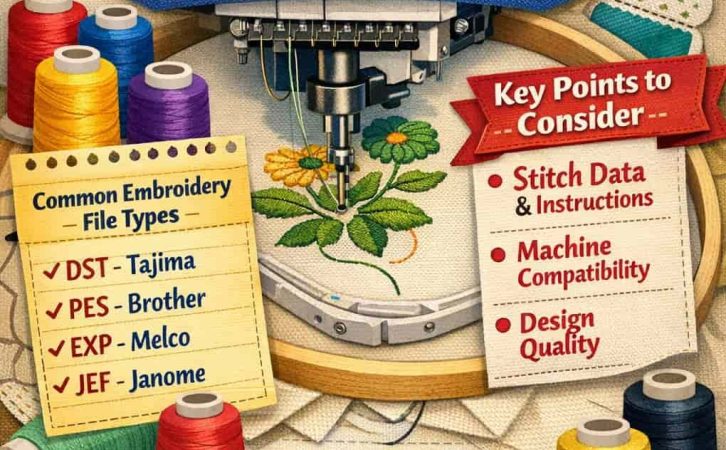
Why Image Formats Are NOT Enough
Common image files like JPG, PNG, SVG, or PDF are not embroidery-ready. They contain visual information only, not stitch data.
That means:
A JPG cannot tell a machine how to stitch
A PNG does not include stitch direction or density
A PDF cannot control needle movements
Before embroidery, these image files must be digitized into a machine-readable embroidery format such as DST or PES.
The Best Embroidery File Formats (Explained)
Below are the most widely used embroidery file formats and what makes each one useful.
DST – The Industry Standard ⭐
DST (Data Stitch Tajima) is the most popular and widely accepted embroidery file format in the world.
Why DST Is So Popular
Supported by almost all commercial embroidery machines
Very stable and lightweight
Perfect for logos, text, and production work
Ideal for factories and professional embroidery shops
Limitations of DST
Does not store thread color information
Limited stitch command set
Not ideal for advanced editing
Best Use Case
If you want maximum compatibility and reliability, DST is the best choice.
👉 This is why JPGtoDST.com focuses on high-quality manual JPG to DST embroidery digitizing.
PES – Best for Brother & Home Machines
PES is mainly used by Brother, Babylock, and Bernina Home Edition machines.
Advantages
Stores thread colors
Supports more stitch types than DST
Easy to preview on home machines
Drawbacks
Limited compatibility outside Brother-based machines
Not ideal for large-scale commercial production
Best Use Case
Perfect for home embroiderers and small businesses using Brother machines.
EXP – Simple and Clean
EXP (Melco/BERNINA format) is a simple stitch-based format.
Pros
Lightweight
Good stitch accuracy
Cons
Limited editing features
No color data
Best Use Case
Used in older or specific embroidery systems.
JEF – Janome Machines
JEF is designed for Janome embroidery machines.
Features
Includes hoop size info
Contains color data
Optimized for Janome hardware
Best Use Case
Only recommended if you use a Janome machine.
Confused About Embroidery File Formats?
Most embroidery problems happen because of wrong file formats or poor digitizing.
A JPG or PNG alone will never stitch correctly.
We manually convert your image into a machine-perfect DST file—ready to run, no edits needed.
Bullet Points:
✔ Correct stitch direction & density
✔ Tajima-ready DST format
✔ No auto-digitizing errors
⭐ Trusted by Embroidery Professionals
Factories, small shops, and home embroiderers choose us because DST is done right the first time.
Every design is 100% manually digitized, ensuring smooth stitching on any commercial machine.
No software shortcuts. No broken stitches.
🚀 Need the Right Embroidery Format—Fast?
Wrong format = wasted fabric, thread breaks, and machine downtime.
Send us your JPG or logo and receive a production-ready DST file with fast turnaround.
🕒 Fast Delivery
💯 Manual Digitizing
🧵 Pro Quality
Why Professionals Choose DST
DST is the most compatible embroidery format—but only when digitized correctly.
We convert your image into a balanced, clean DST file optimized for fabric type and stitch flow.
Ready for Perfect Stitching?
Stop guessing file formats.
Get a properly digitized DST file made by embroidery experts.
⭐ Why Choose Us
- Highly skilled expert digitizers
- 12+ years practical experience
- Thousands of designs done
- 24/7 online support
- Free revisions
No. JPG files must be converted and digitized into embroidery formats like DST or PES.
DST works on most commercial and multi-brand machines, making it the most universal format.
DST is better for commercial use and compatibility, while PES is better for Brother home machines.
VP3 / HUS – Viking & Pfaff
These formats are used by Husqvarna Viking and Pfaff machines.
Highlights
Advanced stitch data
Color and design info included
Downside
Limited compatibility with other machines
DST File vs Other Embroidery Formats
DST vs PES
PES is mainly used by Brother machines
DST is more universal
PES includes color info, DST does not
DST vs EXP
EXP is used by Melco machines
DST is more widely accepted
DST vs JEF
JEF is for Janome machines
DST works on more brands
👉 If you’re unsure which format to use, DST is the safest choice.
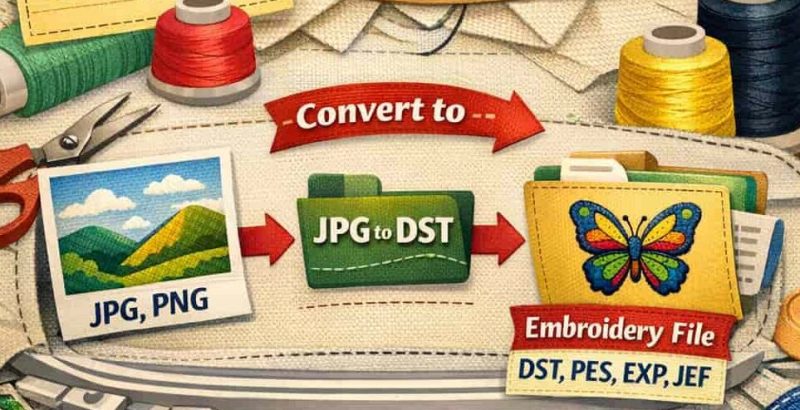
So… What File Format Is BEST for Embroidery?
Short Answer:
DST is the best all-around embroidery file format.
Long Answer:
It depends on your machine and workflow:
| Machine Type | Best Format |
|---|---|
| Commercial machines | DST |
| Multi-brand compatibility | DST |
| Brother / Babylock | PES |
| Janome | JEF |
| Viking / Pfaff | VP3 / HUS |
If you’re unsure, DST is the safest and most future-proof option.
Why Professionals Prefer DST
Professional digitizers and embroidery factories prefer DST because:
Machines read it faster
Files rarely corrupt
Easy to scale production
Works across multiple brands
That’s why most embroidery businesses request DST files from clients.
Importance of Manual Digitizing
Even the best file format will fail if the digitizing is poor.
Auto-Digitizing Problems
Broken stitches
Thread breaks
Poor edge quality
Incorrect stitch density
Manual Digitizing Benefits
Clean stitch flow
Proper underlay
Correct pull compensation
Professional finish
At JPGtoDST.com, every design is 100% manually digitized, ensuring perfect results regardless of fabric type.
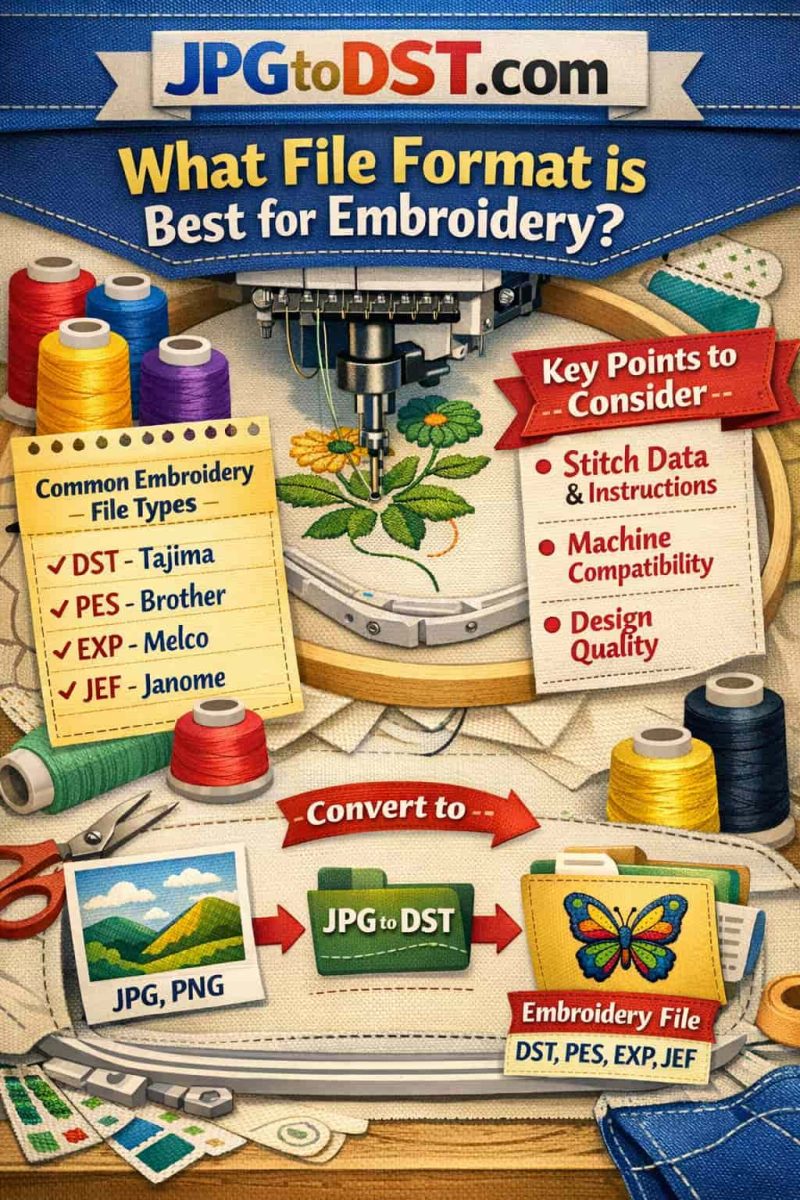
Common Embroidery Mistakes to Avoid
Using JPG or PNG directly on machines
Choosing the wrong file format
Relying on auto-digitizing software
Ignoring fabric type during digitizing
Final Thoughts
Choosing the right embroidery file format is essential for:
Machine compatibility
Stitch quality
Production efficiency
While many formats exist, DST remains the gold standard in the embroidery industry. Combined with expert manual digitizing, it ensures flawless embroidery every time.
If you have an image, logo, or artwork that needs professional conversion, JPGtoDST.com is ready to help.
🧵 Turn your image into perfect stitches—every time.
Frequently Asked Questions (FAQ) About DST Files
Does DST include color information?
No. DST focuses on stitch data only. Colors are assigned on the machine or software.
Why does my embroidery look bad even with the right format?
Because format alone isn’t enough. Professional manual digitizing is crucial for clean results.
What format should I request from a digitizing service?
If you’re unsure, always request DST.
What is the difference between embroidery files and vector files?
Vector files (AI, SVG, EPS) store paths and shapes, while embroidery files store stitch commands.
Even a perfect vector logo must be digitized before embroidery.
Can one embroidery file work on all machines?
No single file works on every machine, but DST works on most commercial machines, making it the closest thing to a universal format.
Which embroidery format is best for logos?
DST is best for logos because it is stable, lightweight, and handles text and shapes cleanly in production environments.
Does file format affect embroidery quality?
Yes. A wrong or poorly digitized format can cause:
Thread breaks
Gaps and overlaps
Distorted shapes
The correct format + proper digitizing = clean embroidery.
Is converting JPG to DST the same as digitizing?
No.
Conversion alone changes file type, but digitizing creates stitch paths, densities, and directions.
Real embroidery requires manual digitizing, not just file conversion.
Why do embroidery machines reject some files?
Common reasons include:
Unsupported format
Corrupt stitch data
Incorrect hoop size
Poor digitizing
Professionally created DST files rarely fail.
What format do embroidery factories prefer?
Most factories request DST files because they are:
Machine-friendly
Fast to load
Compatible with multiple brands
Does DST support different fabrics?
DST itself doesn’t store fabric info, but professional digitizing adjusts stitch settings based on fabric type (cotton, cap, denim, polo, etc.).
Which embroidery format is best for caps and hats?
DST is commonly used for cap embroidery because it supports:
Simple, strong stitch structures
Left-to-right stitch flow (important for caps)
Can I edit a DST file later?
DST files have limited editing capability.
That’s why it’s important to get the digitizing right the first time.
Why are DST files smaller than other formats?
DST stores only essential stitch commands, making it lightweight and efficient for embroidery machines.